Understanding the Value of 7 KDP Interiors: Your Gateway to Professional Print-Ready Journals
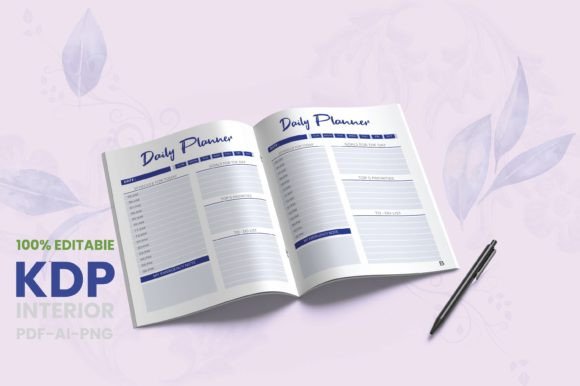
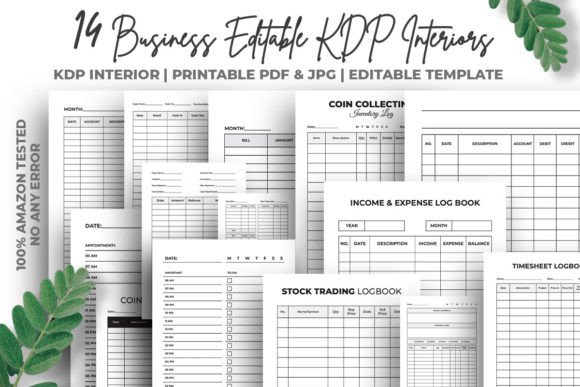
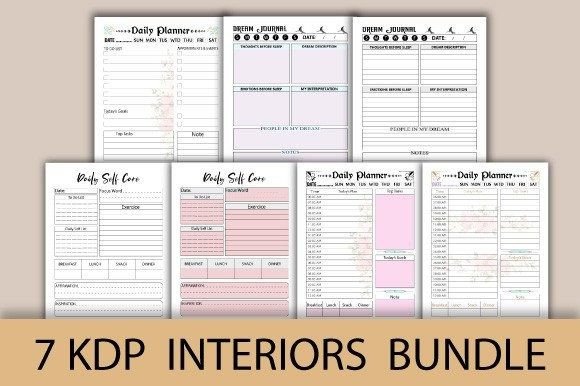
For creators in the KDP (Kindle Direct Publishing) ecosystem, the journey from a brilliant idea to a physical product on Amazon can be fraught with technical hurdles. This is where a comprehensive package like 7 KDP Interiors comes into play. It's not merely a set of digital files; it's a curated toolkit designed to eliminate the most common and time-consuming barriers to publishing professional journals and planners. By providing a suite of tested, ready-to-use interiors for popular formats like dream journals, self-care logs, and daily planners, it allows entrepreneurs, freelancers, and hobbyists to focus on branding and marketing rather than wrestling with design software and print specifications.
The Crucial Details Often Overlooked in Digital Product Bundles
When purchasing any digital product for commercial use, especially one as specific as KDP interiors, there's a tendency to focus on the headline count—"7 interiors!"—and skip the vital fine print. This oversight can lead to frustrating delays, rejected uploads, or a final product that doesn't meet professional standards.
File Type and Format Compatibility
A common misunderstanding is assuming all files are equally usable. A package stating it includes PDF, PNG, and AI files serves distinct purposes. The AI (Adobe Illustrator) files are gold for those who wish to customize; they offer editable vectors for true personalization. The PDFs are typically the print-ready, KDP-tested files for direct upload. PNGs might be used for marketing or alternate formatting. Not checking which file type you actually need for your workflow can waste hours. For instance, a beginner without Adobe Illustrator might download the AI files and find them unusable, while a professional designer might unnecessarily struggle with a locked PDF.
A better approach: Before downloading, clarify your own process. If you plan to customize, verify the AI files are fully layered and editable. If you plan to upload immediately, confirm the PDFs are the ones marked "KDP Tested – No Errors." Always match the file to your skill set and intention.
The Significance of Bleed and Page Counts
The instruction "❗️Check the file name if it’s with or without bleed❗️" is not a trivial footnote. Bleed refers to the artwork that extends beyond the trim edge of the page, ensuring no unwanted white borders after cutting. Using a file without bleed for a design that requires it, or vice-versa, will result in a flawed print. Furthermore, closely examining the listed page counts—365 pages, 100 pages, 120 pages—is essential. KDP has specific cost structures based on page count. Choosing a 365-page daily planner interior when a 100-page version would suffice for your market can unnecessarily increase your production cost and book price, affecting competitiveness.
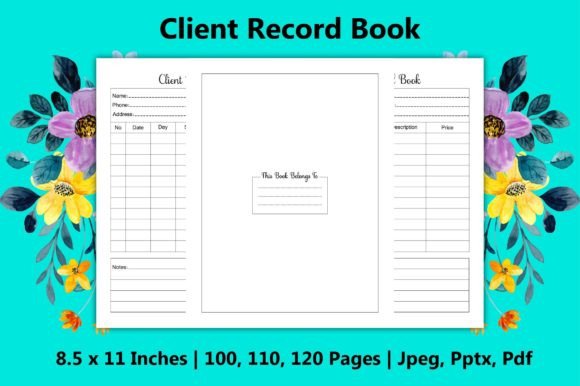
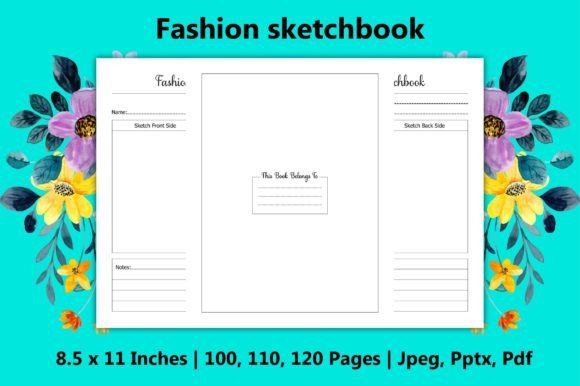
Practical advice: Decide on your intended page count and trim size (here, consistently 8.5×11 inches) before selecting which interior file from the bundle to use. Then, consciously choose the bleed or no-bleed version based on your cover design and the content layout near the edges.
Avoiding Pitfalls in Application and Final Presentation
Even with perfectly prepared files, user error in the application phase can degrade quality. The assumption that "high resolution" is automatic is one such pitfall. While the package states 300dpi, some creators might resize or alter the files for other uses, unknowingly downgrading the resolution, leading to blurry print.
The Welcome Page and the "Blank Last Page"
Including a welcome page adds a touch of professionalism and guidance for the end-user. However, overlooking its presence means you might not leverage it in your marketing description. You should mention this welcoming introduction when listing your book on KDP, as it adds value. Conversely, the note about the last page being blank is a critical technical point. This blank page is the "page facing the back cover" in the printed book binding. Attempting to remove it or fill it with content would disrupt the standard interior formatting and could look awkward. Accepting this as part of proper book design is important.
Realistic example: Imagine you upload a file where you've deleted the last blank page. When printed, the very last page of content (page 364 of a 365-page journal) would now face the inside back cover, often creating a visually cramped feeling. The provided bundle correctly includes this blank page to adhere to industry standards.
Commercial Use Verification and KDP Testing
The phrase "Commercial Use" is a license, not just a tag. A mistake is not internally verifying what this means for your specific use. While it typically allows you to sell the final printed books on platforms like Amazon, it may have restrictions on reselling the digital files themselves. Always read the full license terms provided by the seller. Furthermore, the value of "KDP Tested – No Errors" is immense. It means the interior dimensions, margins, and bleed have been validated against KDP's strict upload requirements. Ignoring this and trying to test your own modifications without understanding KDP's guidelines can lead to upload errors and rejection.
Constructive check: Before finalizing your purchase or use of 7 KDP Interiors, confirm two things: 1) The commercial license aligns with your business model (selling books, not the source files). 2) That you are using the exact KDP-tested file as your base for upload, and any customizations you make are done carefully, preserving the core tested structure.
Making an Informed Decision: What to Evaluate Before Using the Bundle
Your decision should be based on need and fit, not just the attractive quantity of items. Assess whether the specific journals and planners in the 7 KDP Interiors bundle match your niche. For example, if your audience is into mindfulness, the self-care and dream journals are highly relevant. If your target is productivity enthusiasts, the daily to-do planners and daily planners are key. Using an interior that doesn't resonate with your audience, even if it's professionally designed, will affect market satisfaction.
Also, evaluate your own capability for final steps. These interiors provide the foundation, but you still need to create a cover, write a compelling description, and handle KDP upload. The bundle solves the interior puzzle, but it's part of a larger picture. Ensure you have a plan for the other components or are seeking a bundle that might include cover templates as well.
Ultimately, a product like 7 KDP Interiors represents a significant shortcut towards quality and efficiency. By paying close attention to the details within the bundle—the file types, page counts, bleed options, and included elements like the welcome page—you can avoid the common errors that plague new publishers. It allows you to channel your energy into what matters most: creating a valuable product for your readers and building your publishing brand. Approach it not as a magical solution, but as a powerful, well-crafted tool. With mindful application, it can transform your publishing process from a technical struggle into a streamlined creative journey.